Your shareable gift wishlist
Good gifts start with a wishlist.
Save gift ideas from different stores in one wishlist. Share it with friends so they know what you’d love to get.

Your wishlist. One link. Happy friends.
- 1
Add what you’d love
Save product links from different stores. Add helpful details like size, colour, or why you want it.
- 2
Share your wishlist
Send one link to friends. They can browse without creating an account.
- 3
Make gifting easier
Friends pick something you like and buy it from the original store.
Gifting together? Start a group.
A group brings your friends’ individual wishlists into one private place. See what everyone wants and coordinate gifts without spoiling the surprise.
- 1
Your wishlist comes with you
Everyone keeps their own wishlist. No new list to build.
- 2
Let friends know it’s covered
Reserve a gift so other people in the group know someone is getting it.
- 3
Keep the surprise
The person receiving it never sees the reservation.
Santa Party 🎉
Sat, 7 Nov · 5 friends
KK Kabir’s wishlist
 Reserved by you
Matte black gooseneck kettle
₹2,350

Blue colour-vinyl pressing
₹1,899
 Over budget
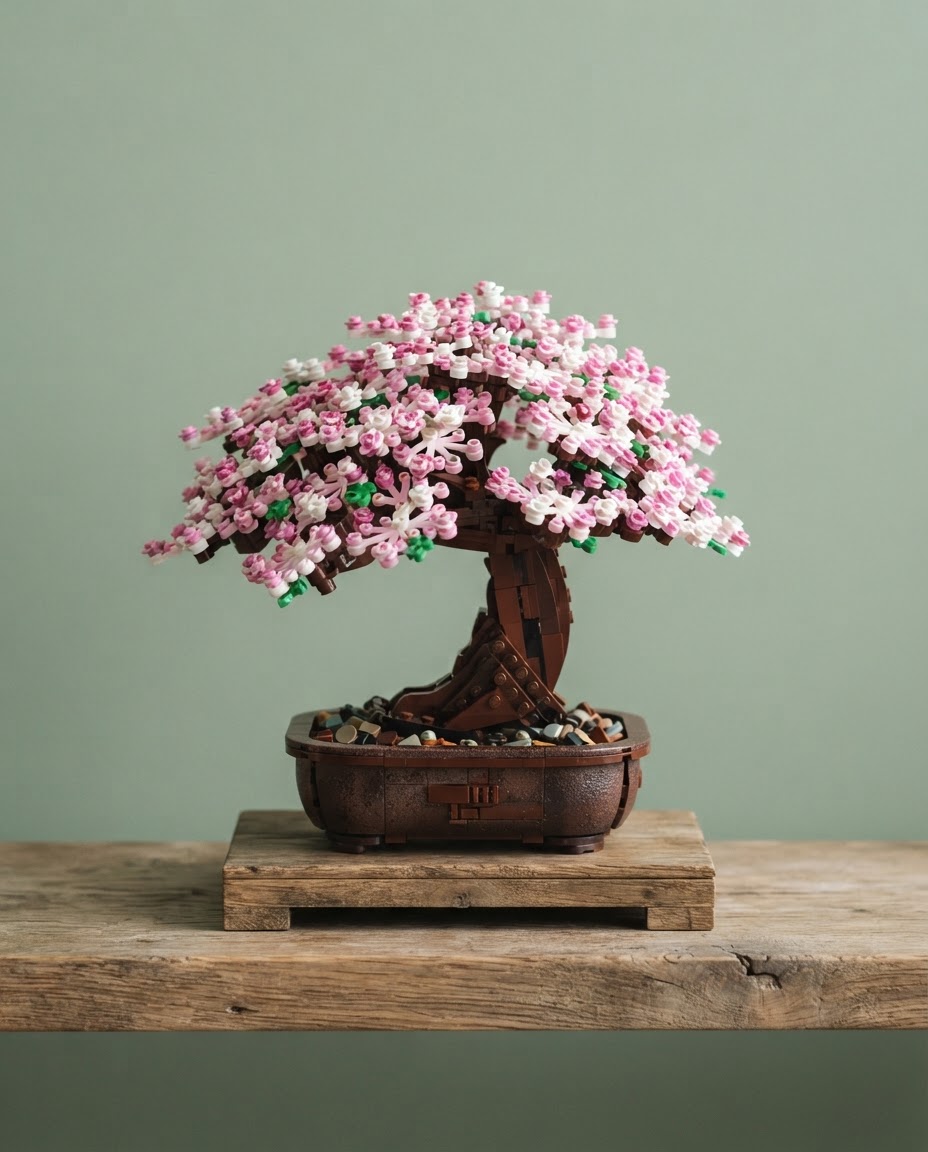
Brick-build bonsai tree
₹3,999
Kabir sees his list, but none of the reservations
ZS Zoya’s wishlist
 Taken
TakenAcetate claw clip set
$22 · ≈ ₹1,850

Glazed espresso cup pair
₹1,950
 Over budget
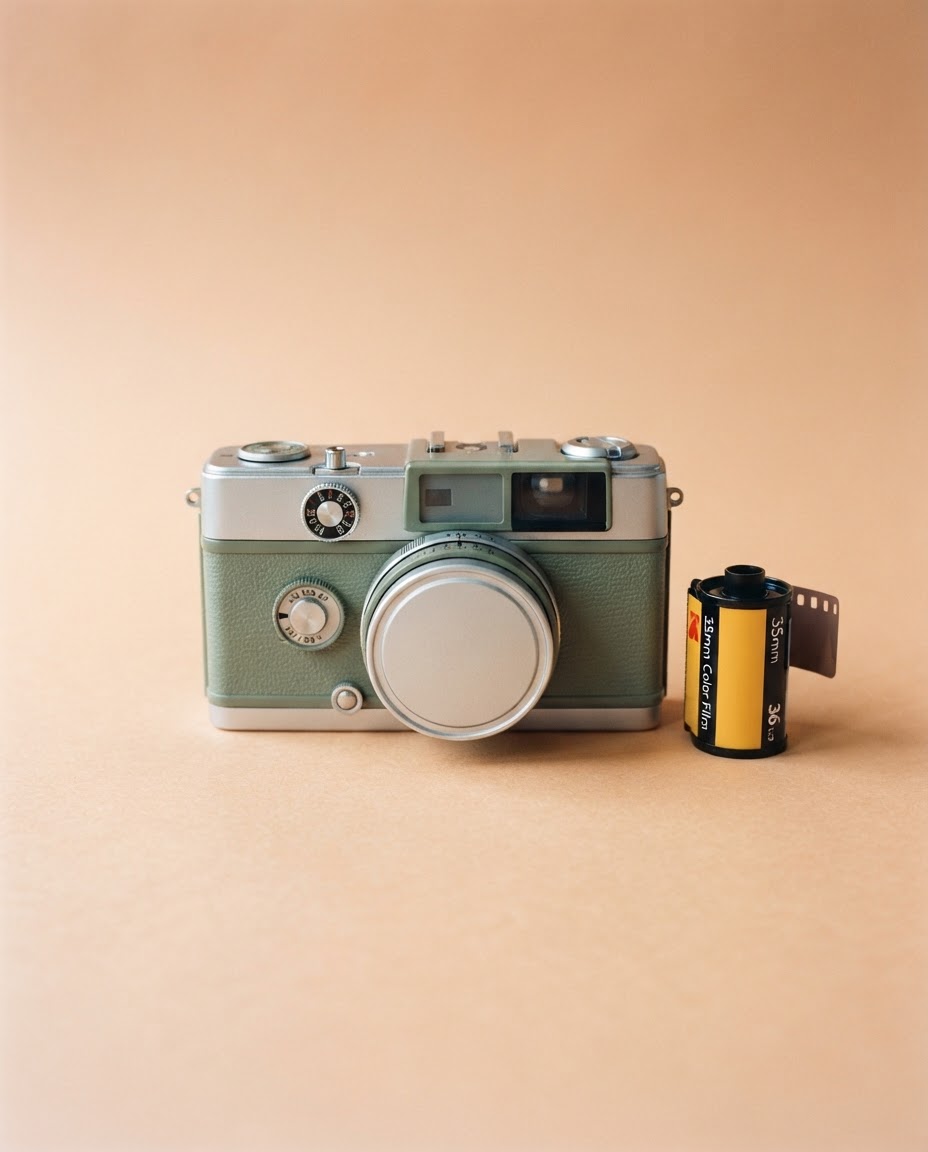
Half-frame film camera
₹4,299
Any excuse to gift.
One wishlist, as many groups as you like. Use the same list for Eid, Diwali or someone’s chaotic housewarming.
Diwali
“Diwali Scenes”
Eid
“Eid at Nani's”
Birthdays
“Rohan turns 27”
Weddings
“Meera & Arjun, finally”
Housewarming
“New flat, who dis”
Secret Santa
“Studio 4B Santa”
Just because
“Galentine’s, but July”
A few good questions.
Your wishlist works on its own. Groups are for planning gifts together.
Do I need a group to use my wishlist?
No. Create your wishlist and share its link. Groups are optional and help friends coordinate gifts together.
Do my friends need an account?
They can view your public wishlist without one. They need to sign in to react or join a group.
Who can see my wishlist?
Anyone with your public link can view it. Your group’s reservations and gifting plans are private and don’t appear on the public page.
Where are gifts purchased?
At the original store. Get Me This helps you share ideas and coordinate gifts; it doesn’t process the purchase.
Next time they ask what you want, send your wishlist.
Less guessing. More “you remembered!”